Jeetbuzz Registration, Login and Verification Process

You get quick access to casino, sports bets, and secure payments after a fast sign up. Login is needed to play, place bets, and manage your account. On Jeetbuzz, verification confirms your identity, protects your balance, and helps process withdrawals in Bangladesh. You can use the website or the mobile app, and support is available 24/7. After registration, you can claim Free 7 Lucky Spins (Slots & Fishing), 25% Cashback (Live Casino & Table Game), and a 50% Sports Refund.

Jeetbuzz sign-up, login, and verification with app/web access, secure payments in Bangladesh, plus casino, sports bonuses.

Jeetbuzz Sign Up Instructions

You can register online in minutes. Create your account and get ready to play in BDT.

1

Click to start

Click the button below.

2

Choose method

Sign up by mobile number, email, or social account (Google/Facebook) if available.

3

Fill details

Enter full name, date of birth, Bangladesh mobile number, and email. Set a strong password, choose BDT, agree to Terms, and confirm age 18+.

4

Confirm contact

Enter the OTP from SMS or email, or confirm your social account.

5

First login

Sign in, complete your profile, and explore games and sports.

Registration Requirements

You must meet local rules and provide accurate personal details. Use your Bangladesh mobile number and a valid email. Keep your documents ready for fast KYC. One person should keep only one account. Your information stays protected under platform security.
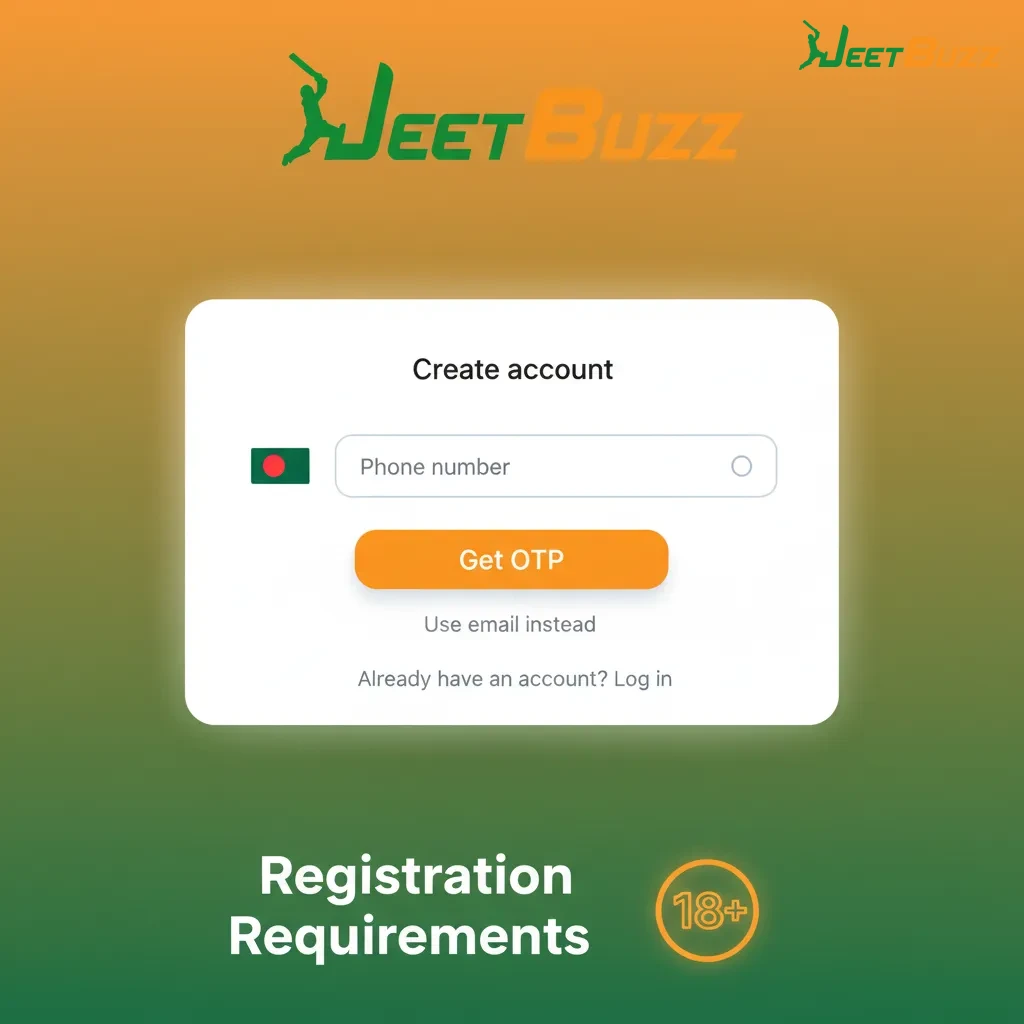
  1. Age requirement: You must be 18+ to register and gamble for real money in Bangladesh.
  2. True details: Use your legal name and date of birth that match your NID, passport, or driving licence.
  3. One account policy: Only one account per person, device, and residential address.
  4. Contact validity: Use a working Bangladesh mobile number and email for OTP and account recovery.
  5. KYC documents: Prepare NID/passport/driving licence and a recent proof of address (utility bill or bank statement).
Registration requirements: Bangladesh 18+, legal name per ID, one account, valid phone/email, KYC ID and address proof.

Login to Jeetbuzz Account

You can sign in on the website or app in a few steps. Use the same login method you chose during sign up.

1

Start here

Click Login at the top of this page or open the app.

2

Enter details

Type your mobile number, email, or username.

3

Authenticate

Enter your password or the OTP sent by SMS/email.

4

Sign in

Tap Sign In to access your account.

Jeetbuzz Account Verification Process

Verification is required for KYC and anti‑fraud checks. It gives full access to deposits and withdrawals in BDT and helps keep your account safe. This matters for Bangladesh users to prevent delays and protect winnings.

1

Profile info

Complete your name, date of birth, and address.

2

Contact check

Verify mobile number or email by entering the OTP.

3

Identity KYC

Upload a clear photo of your NID, passport, or driving licence.

4

Address proof

Upload a recent utility bill or bank statement showing your name and address.

5

Review & result

Your documents are reviewed. You get a status update by SMS/email once finished.

Welcome Bonus After Registration

After registration, you can receive a welcome package for casino and sports. Offers include Free 7 Lucky Spins, 25% Cashback for live tables, and a 50% Sports Refund. Check your account Promotions page for full terms in BDT.
  1. Free 7 Lucky Spins (Slots & Fishing)
    • Minimum deposit: See offer page in your account.
    • Wagering requirements: Stated in the promo Terms.
  2. 25% Cashback (Live Casino & Table Game)
    • Minimum deposit: As shown on the promotion page.
    • Wagering requirements: If any, detailed in the Terms.
  3. 50% Sports Refund
    • Minimum deposit: As displayed in the offer details.
    • Wagering requirements: Refund rollover rules shown on the promo page.
Welcome Bonus After Registration: Free 7 Lucky Spins, 25% live casino cashback, 50% sports refund. Terms in BDT.

Potential Issues when Registering an Account

Here are common problems and quick fixes. Contact support if the issue continues.

  • OTP not received | Solution: Check mobile signal and spam folder, then request a new code. Contact support to verify your number.
  • Document rejected | Solution: Upload a brighter photo, edges visible, and no glare. Use NID/passport/driving licence and valid address proof.
  • Email already used | Solution: Use password recovery to regain access, or ask support to check for duplicates.
  • Underage warning | Solution: Registration is for 18+ only. Support cannot approve accounts below the legal age.
  • Account flagged by VPN/proxy | Solution: Turn off VPN/proxy and log in again. Ask support to review your access.
Infographic of common account registration issues and quick fixes: OTP, document rejection, email used, underage, VPN/proxy.

Account Password Recovery

Forgot your password? You can reset it using your mobile number or email.
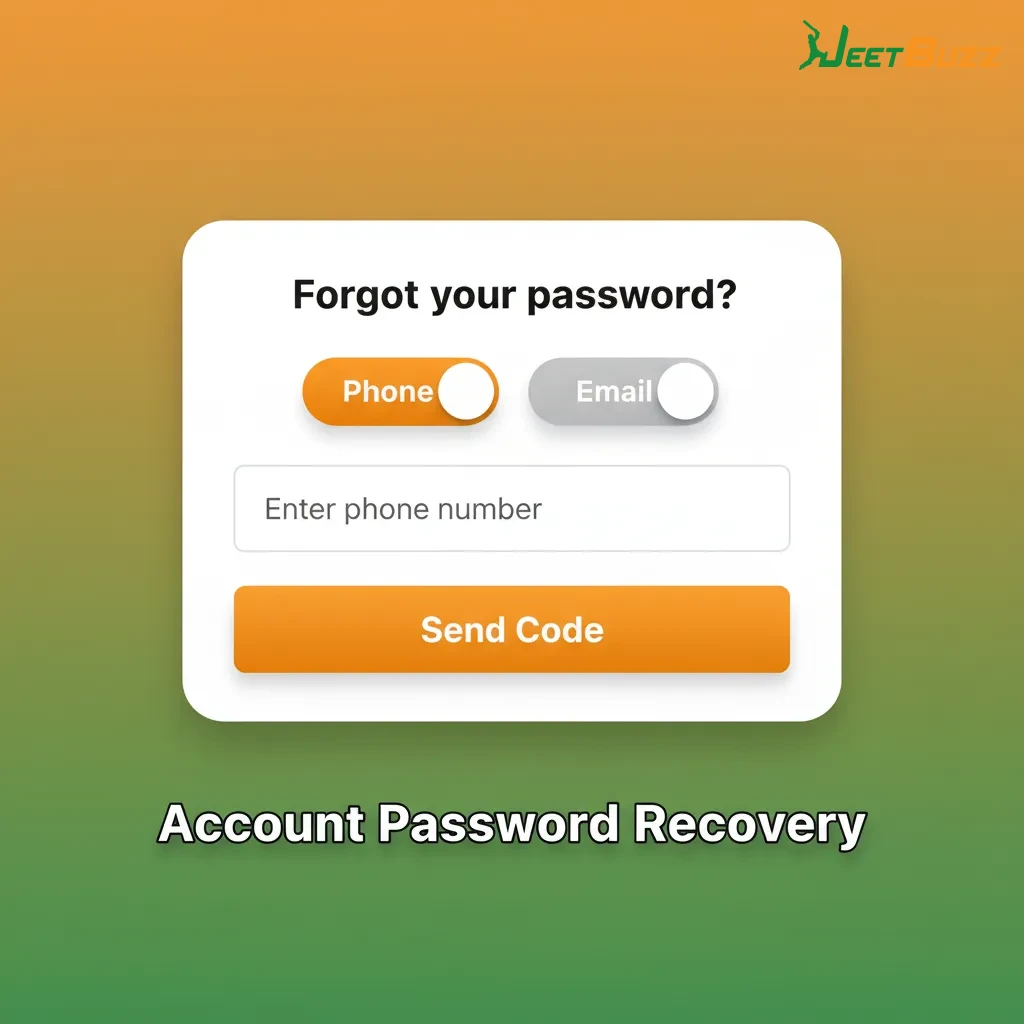
  1. Click Forgot Password on the login page.
  2. Choose method: Reset by SMS OTP or email link.
  3. Verify: Enter the OTP or open the email link to confirm.
  4. Set a new password: Create a strong password and save changes.
  5. Sign in: Enter your new password to access the account.
Illustrated password recovery steps: Forgot Password, choose SMS OTP or email link, verify, set new password, sign in.

Registration via Mobile App Jeetbuzz

Jeetbuzz App registration follows the same steps as the website. You can enable biometrics for faster sign in on your device.

1

Open the app

Tap Sign Up on the home screen.

2

Pick method

Register by mobile number, email, or social account in one step.

3

Enter details

Provide personal info, set a password, and add any promo or referral code.

4

Verify

Enter the SMS or email OTP, or confirm your social profile.

5

Secure access

Create a 4‑digit PIN or enable fingerprint/Face ID for future logins.

Delete your Jeetbuzz Account if Needed

You can request account deletion if you want a break, formed a duplicate, or no longer wish to play. Make sure your balance is settled before closing.
  1. Contact support: Open live chat or email to request permanent deletion or self‑exclusion.
  2. Verify identity: Confirm ownership by OTP or security questions.
  3. Settle funds: Withdraw remaining balance or agree to forfeit small residuals as per policy.
  4. Confirm closure: Approve the final confirmation message to close the account.
Steps to delete your Jeetbuzz account: contact support, verify identity, settle funds, confirm closure.

FAQ

Is Bangla language support available?

Yes. You can chat in Bangla or English for registration, login, and KYC help.

Which payment methods can you use in Bangladesh?

Popular local options and cards are supported. Check the Cashier for the latest list in BDT.

Can you change your mobile number after sign up?

Yes. Update it in Profile, then verify by OTP. Support can assist if the old number is inactive.

Does the app support biometric login?

Yes. You can enable fingerprint or Face ID in app settings after your first sign in.

Is VPN allowed for account access?

VPN or proxy can cause access issues. Disable it to avoid login or KYC problems.

Updated: